 Nino
Nino
📍 Shop L24 · Bruma Mall
Virtual Try-On Studio
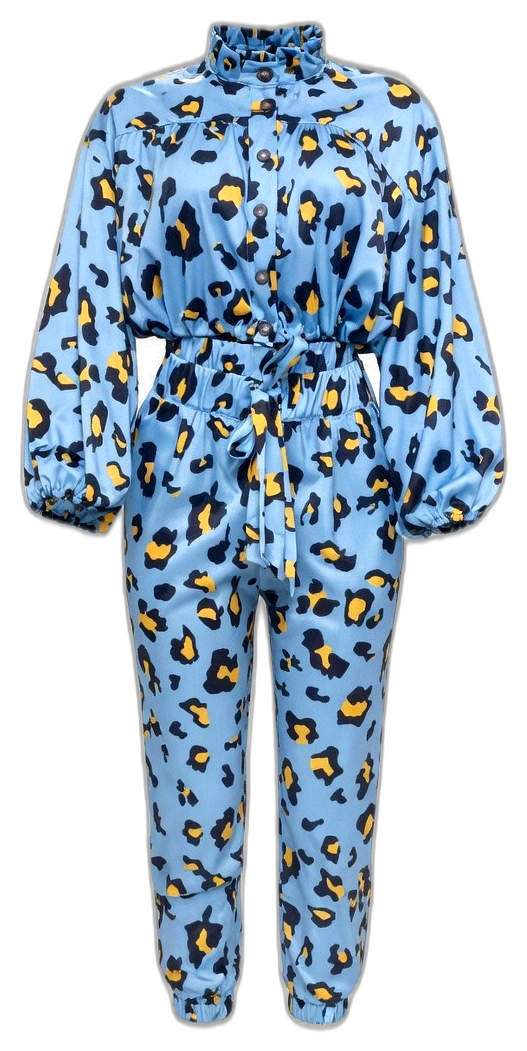
Fitting Azure Leopard Co-ord Set · place you on the scene, then dress the piece on your body
Step 1 — Your photo
Take or upload a photo. We keep you (silhouette) and drop the photo background so event scenes show. Then drag the closet piece onto you.
Toggle You / Item · drag · pinch · two-finger rotate
Select Event Backgrounds
Your photo background is removed so these scenes show behind you — wedding, church, park, farm, beach, and more.
Video event walkthrough — coming soon (save still looks today).
Fit on you
Tip: You = move/rotate your silhouette on the background. Item = place the closet piece. Auto-dress sizes the piece to cover your body (not tiny).
Your quote
Tap Selfie camera or Full-body photo to begin.
Share: https://businessite.online/e/fit/s/J7Of-xwmjxZQ6Ay4w03Xcw